


|
|
|
|
|
This type of user has access to multiple associations, for example, ISOs with access to multiple agents' activity.
To set up a multiple association access user:
 Set up a security group with multiple association access.
To set up a security group for multiple association access:
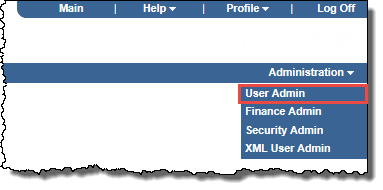
The User Administration page opens.
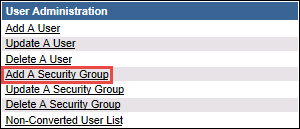
The Add a Security Group page opens.

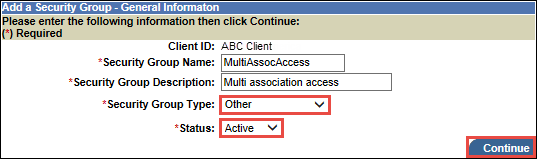
The Add A Security Group - General Information page opens.
The Add a Security Group - Access Level page opens.
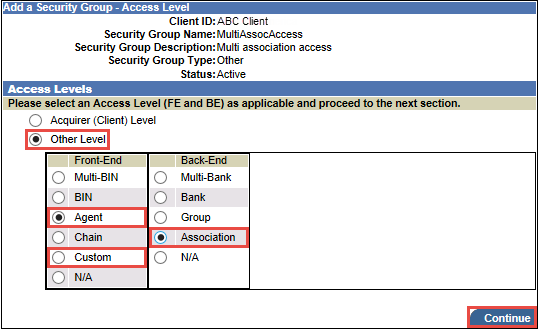
The panel expands to list the Other Level options.
The Add a Security Group - Functions page opens.
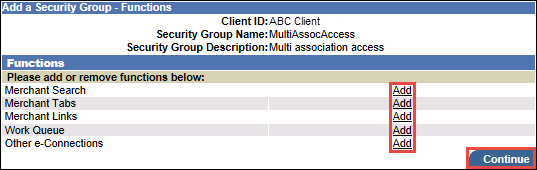
The Add a Security Group - Themes page opens.
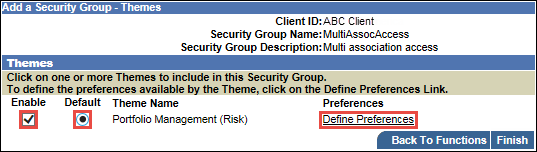
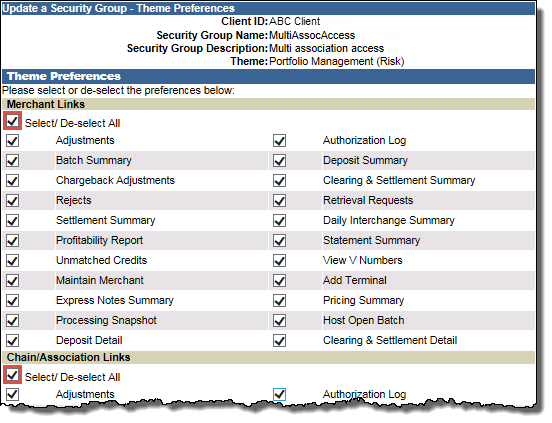
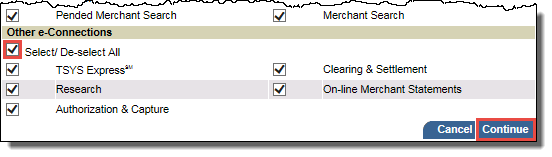
The Add a Security Group - Themes page opens again.
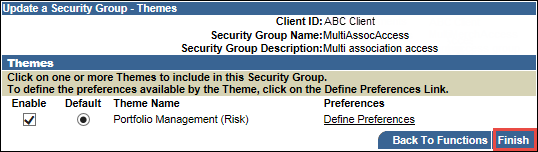
Set up a user associated with that security group.To set up a user associated with a multiple association access security group:
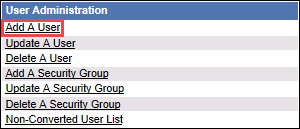
The User Administration page opens.
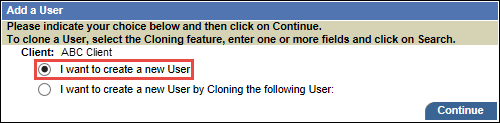
The Add a User page opens.
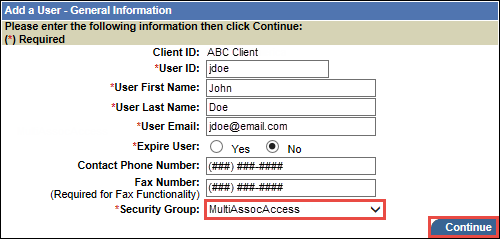
The Add a User - General Information page opens.
The Add a User - Access Level page opens.
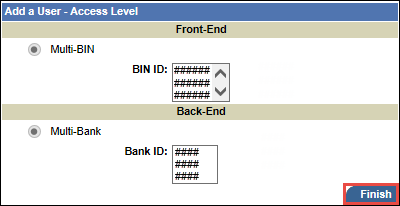
Note: The Front-End and Back-End options available will depend on the security group setup.